Studying a video
Once you pick a video, here are all the tools you’ll use from the moment you start until you finish. 📚
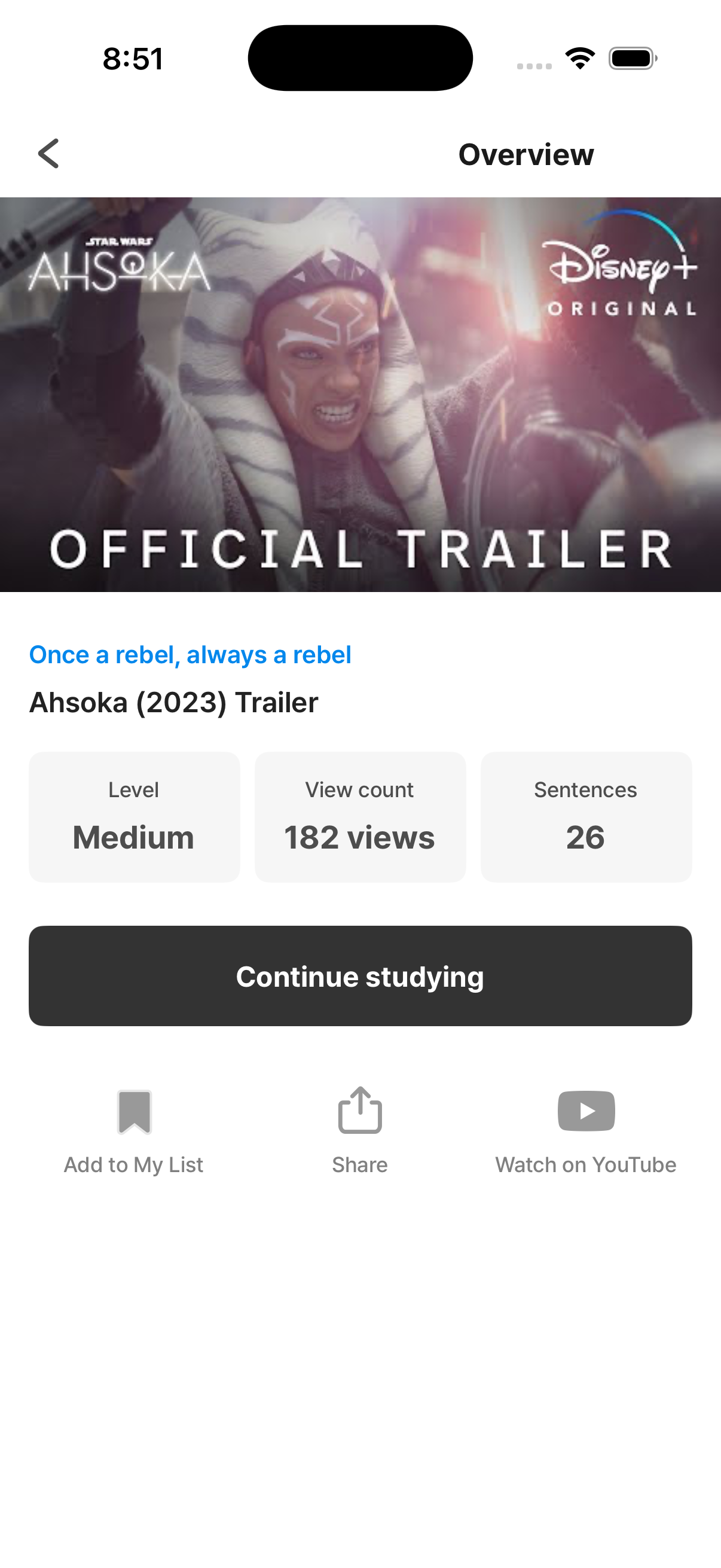
The full flow
Section titled “The full flow”Pick a video ↓(Optional) Watch the whole video before learning ← can be enabled in settings ↓Train (sentence puzzles) ← the main learning stage ↓Review (re-watch) ← solidify your listening ↓Save (words / expressions / commentary / videos) ← review later in the LibraryIn this section
Section titled “In this section”Features while studying
Section titled “Features while studying”- 🧩 Sentence puzzle — the heart of the training stage
- ▶️ Playback controls — speed / replay / loop / loop the whole video
- 🎤 Recording — record and replay your own voice
- 📖 Dictionary & translation — word lookup, dictionary source, subtitle translation
- 🤖 AI Coach — ask a “native speaker” anything (Premium)
Saving what you learn
Section titled “Saving what you learn”- 💾 Saving (bookmarks) — 4 types: words, expressions, commentary, and videos
Settings
Section titled “Settings”- ⚙️ Learning Settings — pre-watch toggle · Blank Length · Font Size
Tip: it’s fine to leave mid-way
Section titled “Tip: it’s fine to leave mid-way”If you exit a video partway through, it goes into in-progress videos automatically and resumes from the last point next time. That said, finishing in one sitting works better for listening — videos with a Short length are a low-pressure way to get there. → Search & filters