Learning Settings ⚙️
The same study screen can feel very different depending on your settings. Tweak it to match your preferences and level.
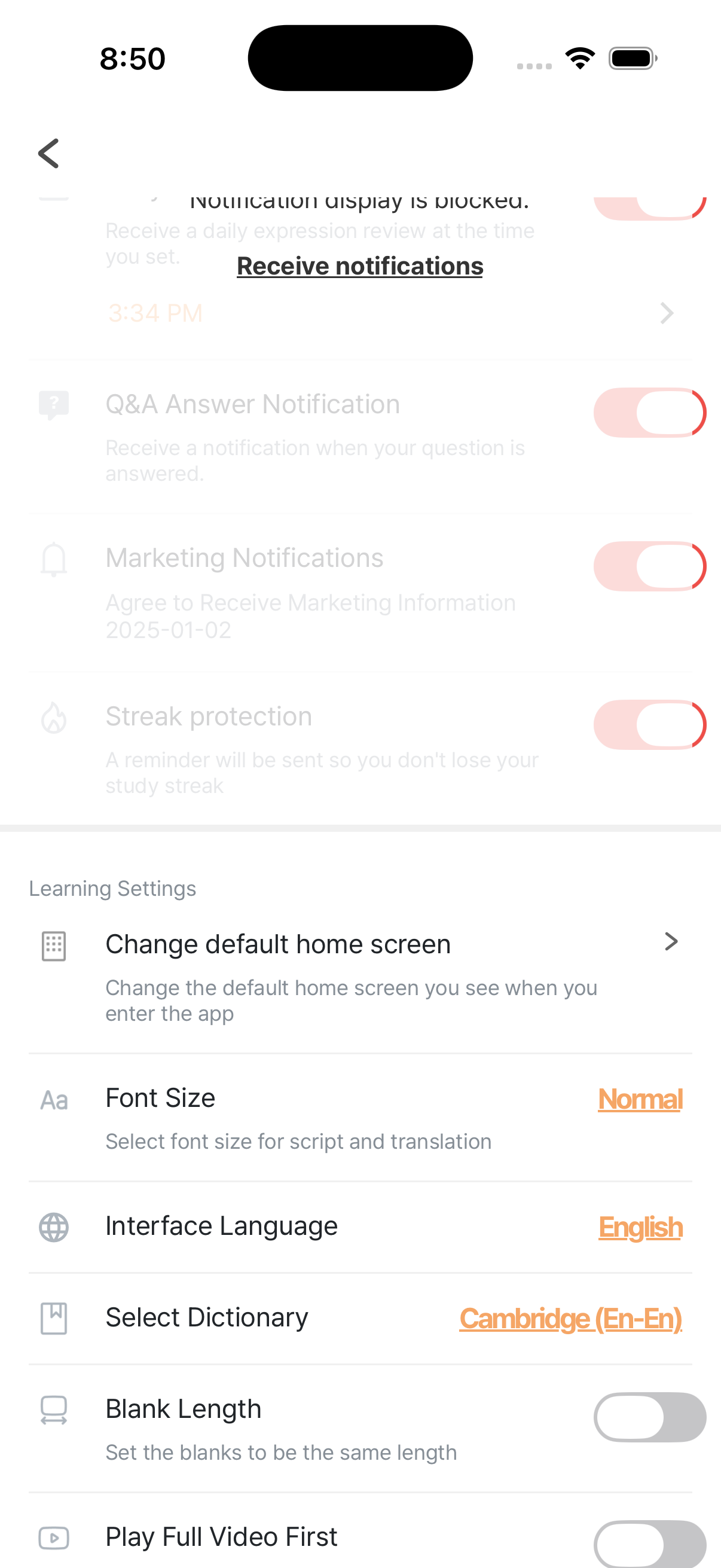
🔲 Blank Length
Section titled “🔲 Blank Length”The “Blank Length” setting controls the width of blanks in sentence puzzles.
“Make all the blanks in the quiz the same length.”
- OFF (default): blank widths follow the actual word lengths → word length itself becomes a hint
- ON: every blank is the same width → no length-based hints → harder
Recommendation
Section titled “Recommendation”- 🐣 Beginner: OFF (default)
- 🦆 Intermediate or above: ON (for more challenge)
🔤 Font Size
Section titled “🔤 Font Size”Adjust the size of text on the study screen.
- Normal (1.0x, default)
- Large (1.25x)
- Very Large (1.5x)
If your eyesight isn’t great, or you’re reading on a moving subway, the bigger sizes are much more comfortable.
Settings → Font Size
🗣️ Recording / pronunciation
Section titled “🗣️ Recording / pronunciation”Microphone permission is required. It’s requested automatically the first time you tap record. → Recording
🎚️ Default playback speed
Section titled “🎚️ Default playback speed”Your last playback speed is reused for the next video. Rather than digging into a settings screen, the easiest way to change it is with the player controls during a lesson.
🌐 Dictionary / subtitle translation
Section titled “🌐 Dictionary / subtitle translation”These are central to your learning. The subtitle translation language follows your interface language, so there’s no separate setting to change. See the dedicated pages 👉 Dictionary & translation · App language settings