Sentence puzzle 🧩
What’s a sentence puzzle?
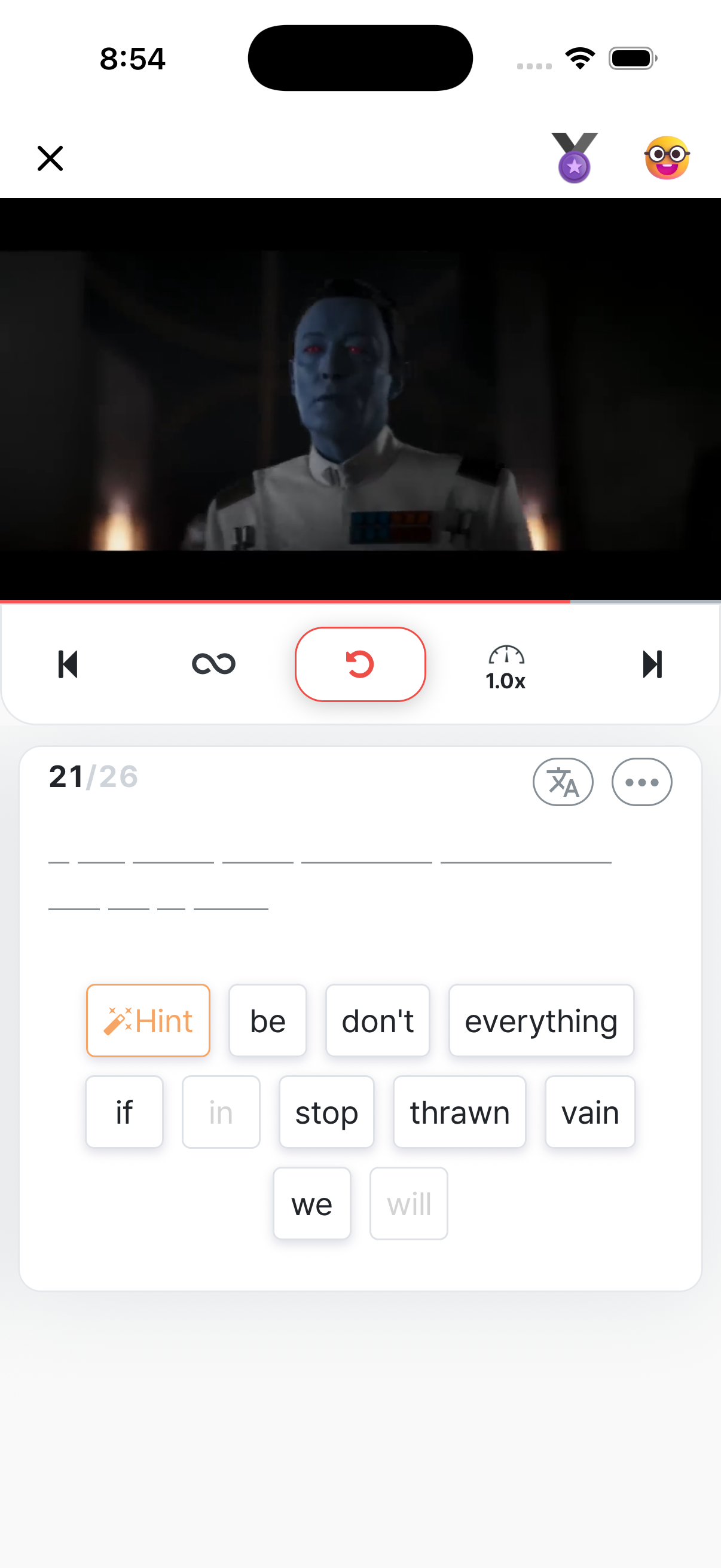
Section titled “What’s a sentence puzzle?”It’s the core feature of the training stage in the 3-stage learning flow. Some words in each sentence appear as blanks, and you fill them in by tapping the word cards in the right order.
“Solve puzzles — Listen to the sentence, then tap the word cards in order to fill in the blanks.”
The rules
Section titled “The rules”🎯 Fill in the blanks
Section titled “🎯 Fill in the blanks”Pick word cards in order to fill the blanks. Candidate cards for the next blank are always visible on screen.
💡 Hints
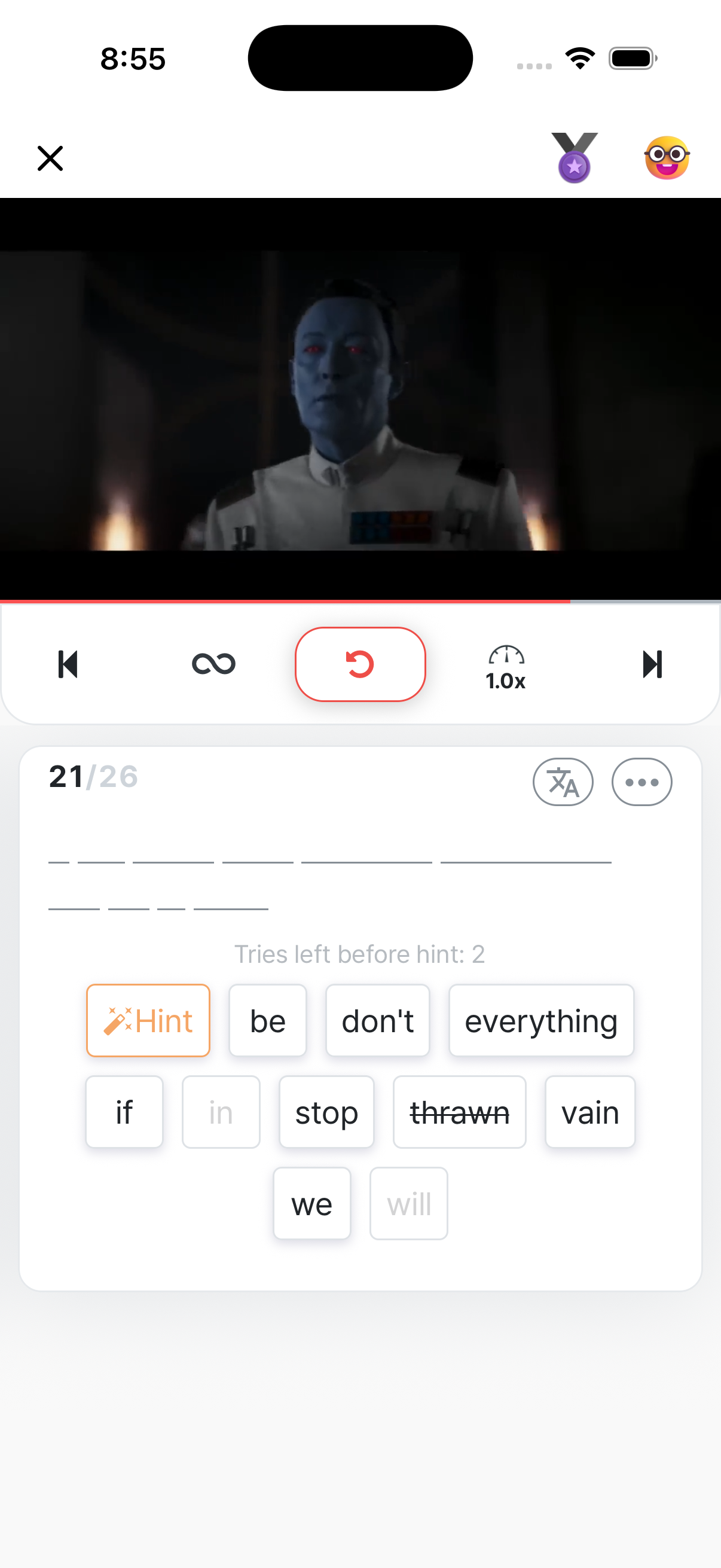
Section titled “💡 Hints”After several wrong tries, a hint appears automatically. The top of the screen shows “tries left until hint” — keep an eye on it. Hints give you a tiny clue, like part of the word or its part of speech.
🔴 Wrong-answer highlighting
Section titled “🔴 Wrong-answer highlighting”Once you finish a sentence, the words you got wrong are highlighted in red. You can see at a glance where you stumbled, so the review points are obvious.
🏅 Medals
Section titled “🏅 Medals”Each puzzle’s result is recorded as a medal. Get every word right and you earn Master; the more words you miss, the lower the medal — Gold, Silver, Bronze. The video player’s top bar shows a live preview of the medal you’d get right now.
Useful actions during the quiz
Section titled “Useful actions during the quiz”🔍 Tap and hold a word
Section titled “🔍 Tap and hold a word”Tap and hold a word inside a card and a dictionary / save menu pops up:
- Look up the meaning
- Save the word to your Library
- Copy — paste it into Notes or another app
🎤 Recording
Section titled “🎤 Recording”After you finish a sentence’s puzzle, the recording button shows up. Record your own voice and play it back instantly. → Recording
🔖 Bookmark a sentence
Section titled “🔖 Bookmark a sentence”Spotted a useful expression? Bookmark the sentence and find it again under the Expressions section in your Library. → Saving
Difficulty tweaks
Section titled “Difficulty tweaks”Equal-width blanks
Section titled “Equal-width blanks”Turn on the “Blank Length” setting to make every blank the same width.
- OFF (default): blank widths match the actual word length → that itself is a hint
- ON: every blank is the same width → no length-based hints (harder)
If you’re past beginner level, ON is recommended.
Playback speed
Section titled “Playback speed”Replay the same sentence at different speeds. Listen carefully at 0.7x to lock in what’s being said, then finish at 1.0x.
- Guess from context first — don’t start tapping cards immediately. Predict what could fit the sentence flow first, then look at the cards.
- Mistakes are fine — the red highlights are review signals, not failures.
- If it’s too hard, go back to the pre-watch — once you’re more familiar with the audio, the puzzle gets much easier.
- You can resume any time — exit and you’ll find it under “In-progress videos.” Even so, doing it in one go tends to be more effective for listening.